
The MLS’s Custom Report Writer has been completely redesigned and includes an intuitive new interface coupled with more features and options than ever before, allowing you to design and customize reports to suit your needs.
We are providing a new video tutorial (available from the Learning Center) to cover the new Custom Report Writer features. For a quick “Overview” video of the new features, click the link below or scroll down to learn more about the powerful tools and enhancements included in the new Custom Report Writer.

Easily Create Professional Looking Flyers
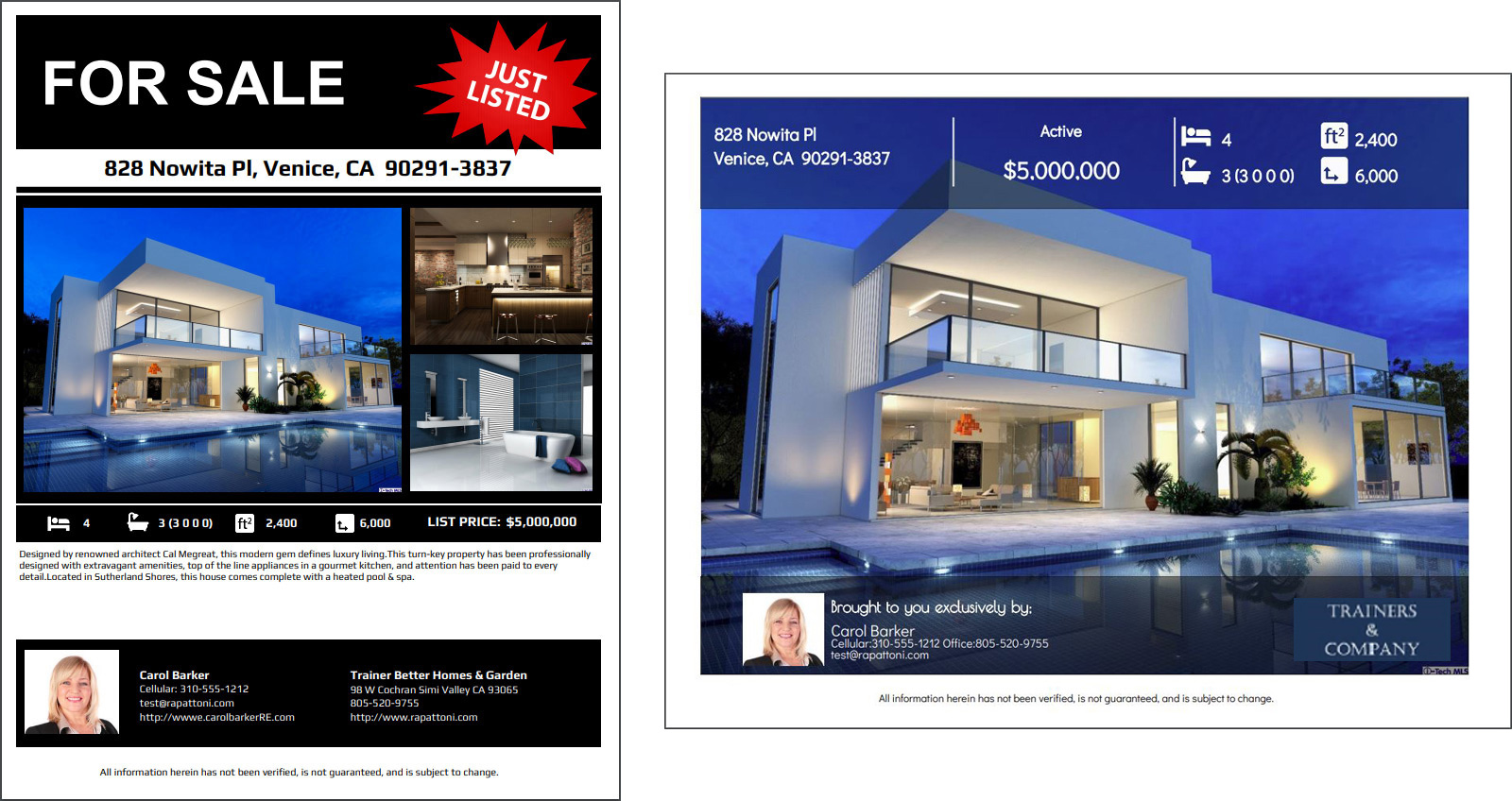
The new Custom Report Writer gives you the tools necessary to design your own professional flyers to highlight your listings and drive business.
New Report Management Interface
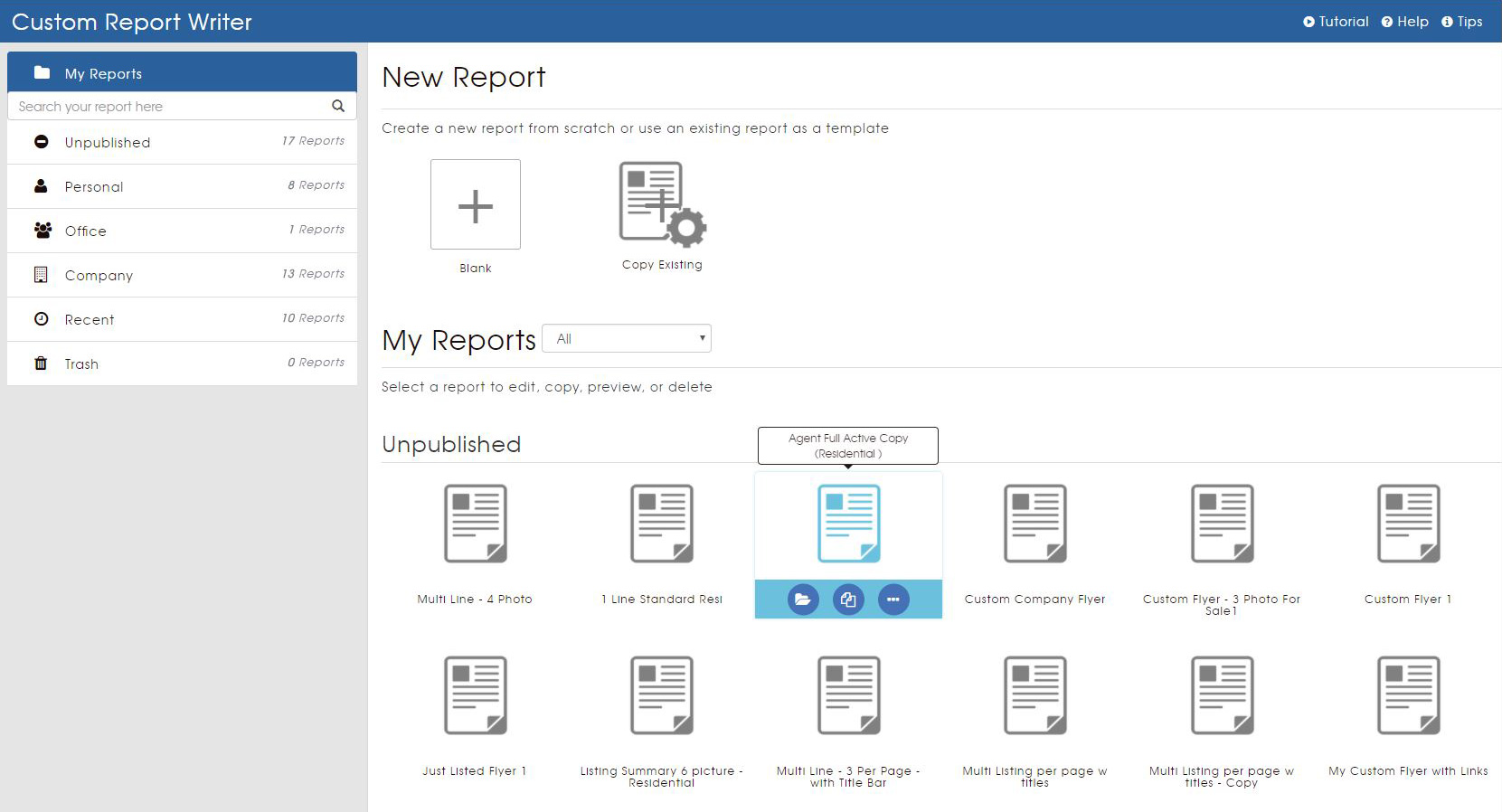
The report management page allows you to create a new report for a specific property type or multiple property types, or copy an existing report to use as a template. From this page, you also have quick and easy access to all of your existing reports, organized into different folders for your convenience.
New Report Designer Interface
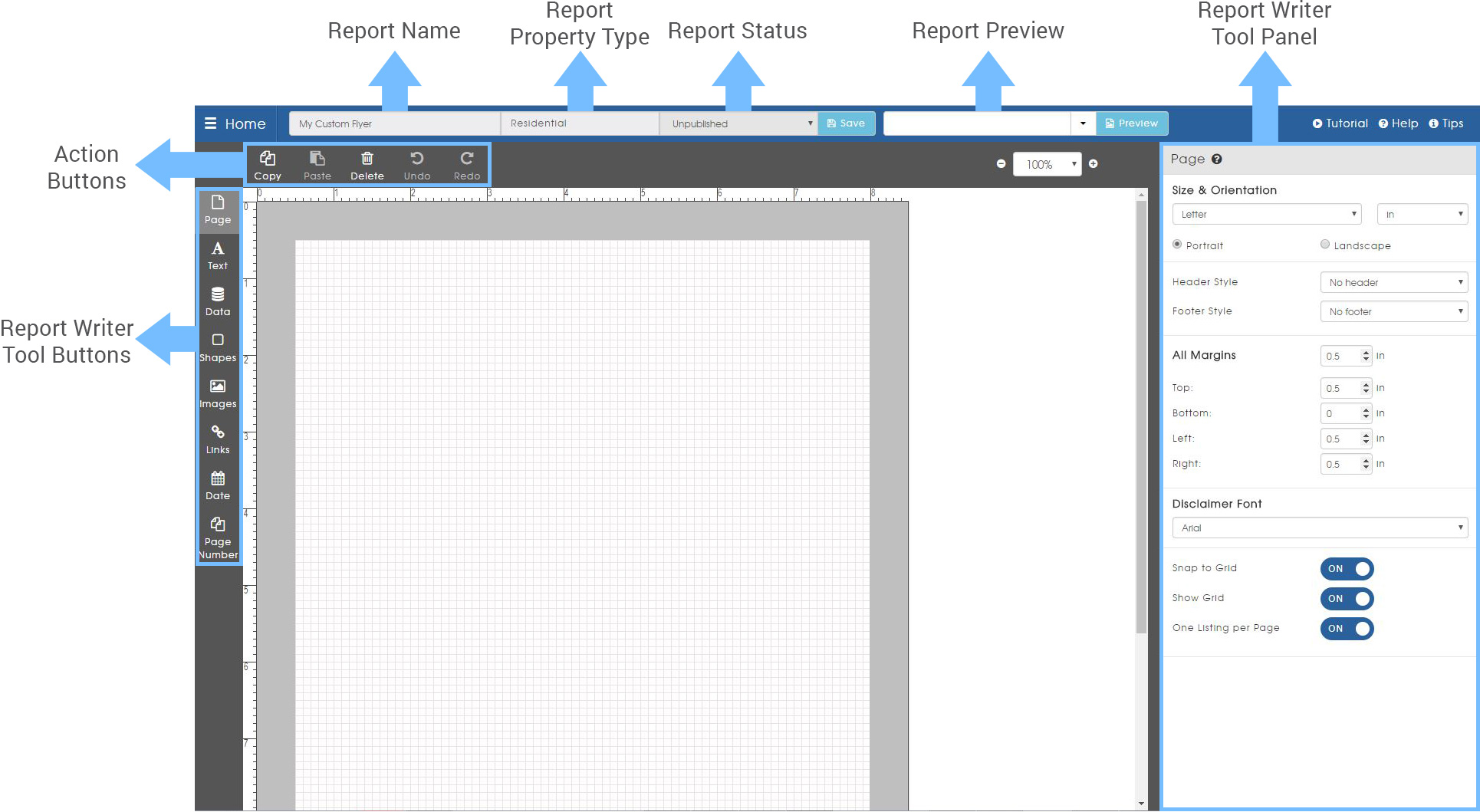
Once you have created a new report, copied a report, or opened an existing report, you will be directed to the report designer page. From this page, you are able to access all of the incredible report writer tools, options, and action buttons to build and customize your reports.
Report Preview
At any time while creating a report, click the report “Preview” button to open a separate window allowing you to preview the current report layout and design. This also allows you to select a listing to use for the preview, giving you a comprehensive view of what the report will look like with real listing data.

Accessing Custom Reports
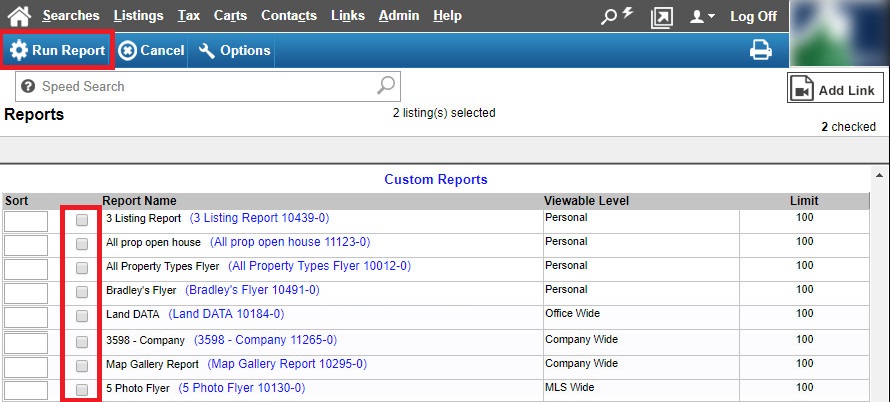
Once you have created and published your report, it will be added to the Reports page in the MLS automatically. From there, you can easily access it to view the report with listings before saving, printing, or sharing with your clients.